

 KSh KES

Description
Buy Starlink Ethernet Adapter
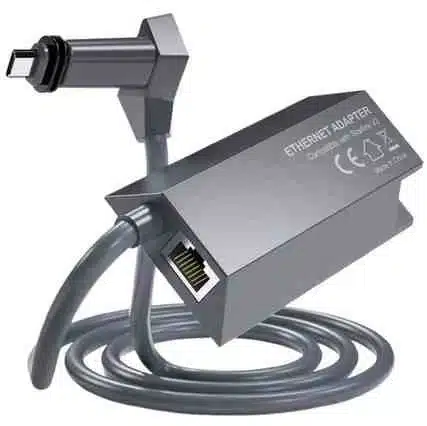
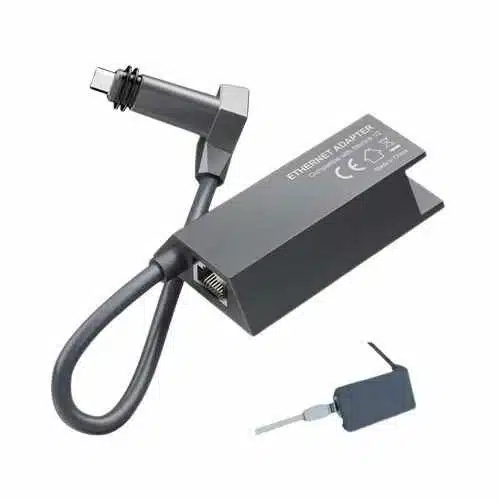
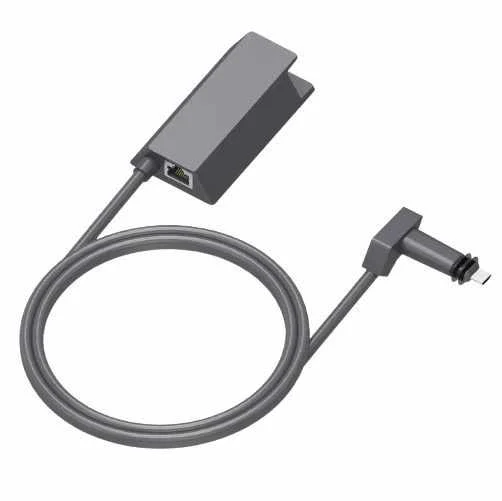
Because the standard rectangular dish lacks a built-in LAN port, you should Buy Starlink Ethernet Adapter immediately. Since the Gen 2 router relies entirely on wireless signals, this small dongle serves as your essential Starlink router Ethernet port solution.
Starlink Gen 2 Ethernet Adapter Compatibility
Regarding Starlink Gen 2 Ethernet Adapter compatibility, this specific hardware works only with the rectangular V2 satellite dish. Because it utilizes a proprietary plug, you cannot use standard third-party USB adapters. Consequently, this official Starlink LAN adapter solution remains the only reliable way to bridge your dish to external hardware.
Installation and Setup
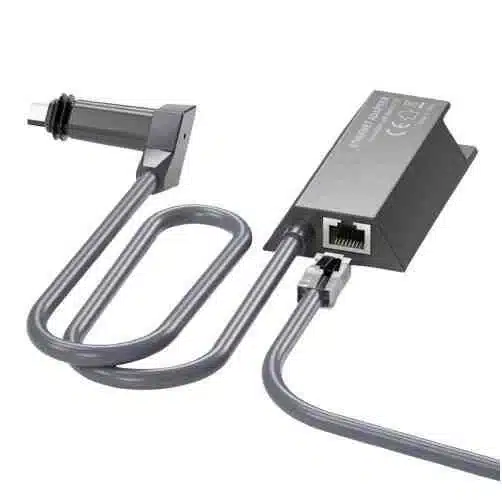
During your unboxing, you will find a simple “plug and play” device. To begin your Starlink Ethernet Adapter installation, power down your router by unplugging the main cable. Next, insert the adapter’s male end into the router’s base. Afterward, connect your existing satellite cable into the adapter’s female port. Once you finish this Starlink hardwired internet setup, your router will automatically recognize the new wired path.
Starlink Ethernet vs WiFi Performance
When comparing Starlink Ethernet vs WiFi, the wired route wins for stability. While WiFi signals fluctuate due to walls, a Starlink wired connection for gaming eliminates most local latency spikes. If you require a Starlink Ethernet speed boost, bypassing wireless interference provides the most consistent throughput. During a performance test, users often notice significantly lower jitter during peak hours.
For Business and Home Office
For a professional Starlink Ethernet Adapter for home office use, reliability is paramount. Since video calls demand steady bandwidth, a direct cable prevents frustrating drops. Similarly, a for business allows you to connect enterprise-grade firewalls or switches. If you use a for mesh system, you can easily backhaul data to remote nodes. Even a for RV setup benefits from this, especially when metal vehicle skins block WiFi signals.
Troubleshooting
If you encounter a Starlink Ethernet Adapter not working error, start by checking the physical seating. Because the proprietary pins are delicate, a loose fit often causes connectivity failure. For deeper troubleshooting, try toggling “Bypass Mode” within the official mobile app. If speeds remain low, inspect your Cat6 cables for any visible damage or kinks.
Our Facebook Page

Reviews
There are no reviews yet.