

 KSh KES
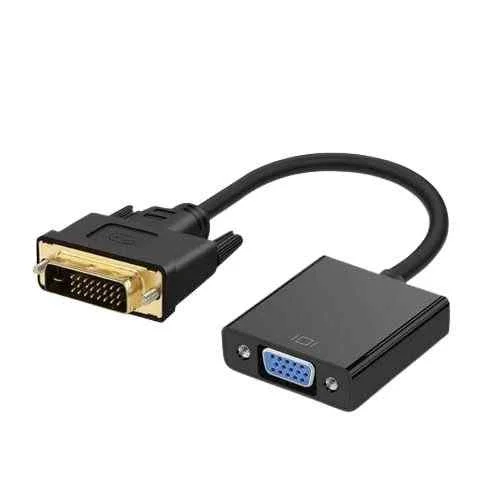

Description
Seamless DVI to VGA Conversion: Your Bridge to Modern Displays
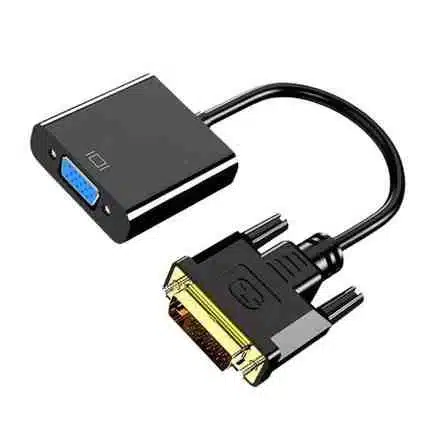
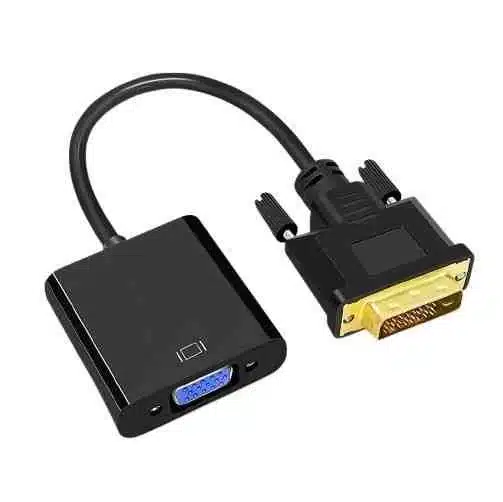
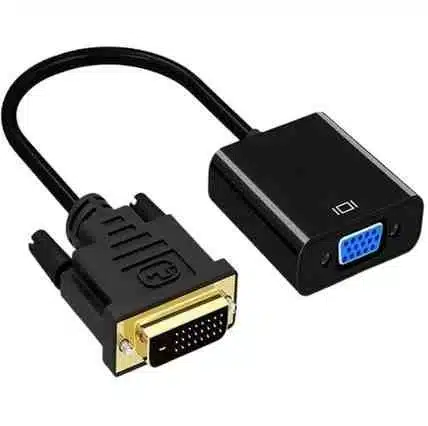
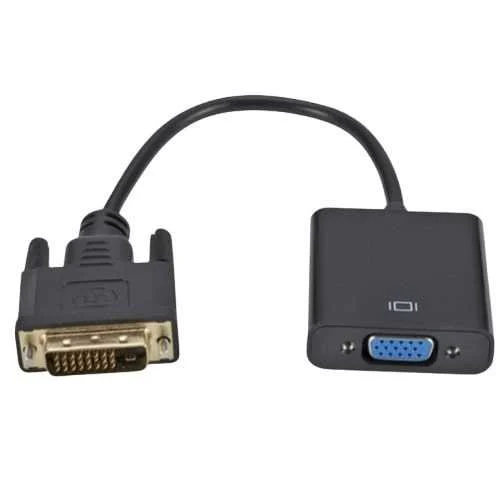
A DVI to VGA converter Kenya tech users rely on bridges two distinct display technologies effortlessly. DVI (Digital Visual Interface) carries sharp digital video signals from your modern computer. Meanwhile, VGA (Video Graphics Array) transmits analog video to older monitors or classroom projectors. This DVI VGA adapter Kenya allows newer DVI-equipped devices to connect to classic hardware. Therefore, these devices include modern graphics cards and powerful desktop PCs. They can then connect to older VGA monitors or office projectors without issues.
Understanding the Signal Transformation
The key function of this tool is a precise signal transformation. DVI can actually be either digital or analog depending on the specific port type. However, VGA remains a strictly analog signal for all legacy displays. If you have a DVI-I to VGA converter Kenya model, a simple passive adapter often works. This is because the DVI-I port itself outputs an analog signal component already. The adapter physically re-arranges the pins for a straightforward, mechanical conversion. This remains the most common and simplest DVI to VGA for monitor Kenya solution.
Active Conversion for Digital Sources
However, if your source device has a DVI-D port, the situation changes significantly. A DVI-D port outputs only a digital signal to your screen. Connecting this to an analog VGA monitor requires an active DVI to VGA converter Kenya unit. This high quality DVI to VGA adapter Kenya contains a specialized internal chip. It actively translates the digital DVI-D signal into an analog VGA signal. This active conversion often requires external power through a small USB cable. Consequently, this ensures proper signal processing for a flicker-free display every time.
Performance and Easy Installation
Audio is not a concern for these DVI-VGA video adapter Kenya devices. Neither DVI nor VGA natively transmits audio signals to your speakers. Therefore, these converters lack an integrated audio output for your sound system. You will need separate audio cabling for sound directly from your computer. These converters support various resolutions up to 1080p Full HD video. This ensures clear images on any DVI to VGA for projector Kenya setup. Their compact design promotes portability for presentations in any Nairobi office.
| Feature | Benefit |
| Gold Plated Pins | Resists corrosion for long-term DVI to VGA for desktop Kenya use. |
| 1080p Support | Delivers crisp, high-definition visuals on old monitors. |
| Plug & Play | Works instantly without needing any software drivers. |
| Active Chipset | Converts digital DVI-D to analog VGA reliably. |
Where to Buy in Kenya
If you want to buy DVI to VGA converter in Kenya, many options exist. You can find a competitive DVI to VGA adapter price Kenya online today. Many shoppers look for a cheap DVI to VGA converter Kenya at a DVI to VGA converter shop Kenya. If you are in the city, check the DVI to VGA converter price Nairobi CBD rates. Whether you need a DVI VGA adapter Mombasa or Nairobi, local delivery is fast. You can easily find a DVI to VGA adapter for sale Kenya for your project.
In summary, a DVI to VGA cable converter Kenya is an invaluable networking tool. It bridges digital DVI sources to analog VGA displays with total ease. This tool ensures broad display compatibility for all your existing hardware. It is the best DVI to VGA adapter Nairobi professionals use for legacy equipment. Always check your port type before choosing your DVI-A to VGA converter for display Kenya.
Our Facebook Page
Reviews
There are no reviews yet.